1. Chrome Installation
To save ads to Sematin, you need to have the Sematin Chrome extension installed in your browser. This guide will help you install the Sematin extension.
How to Install the Extension
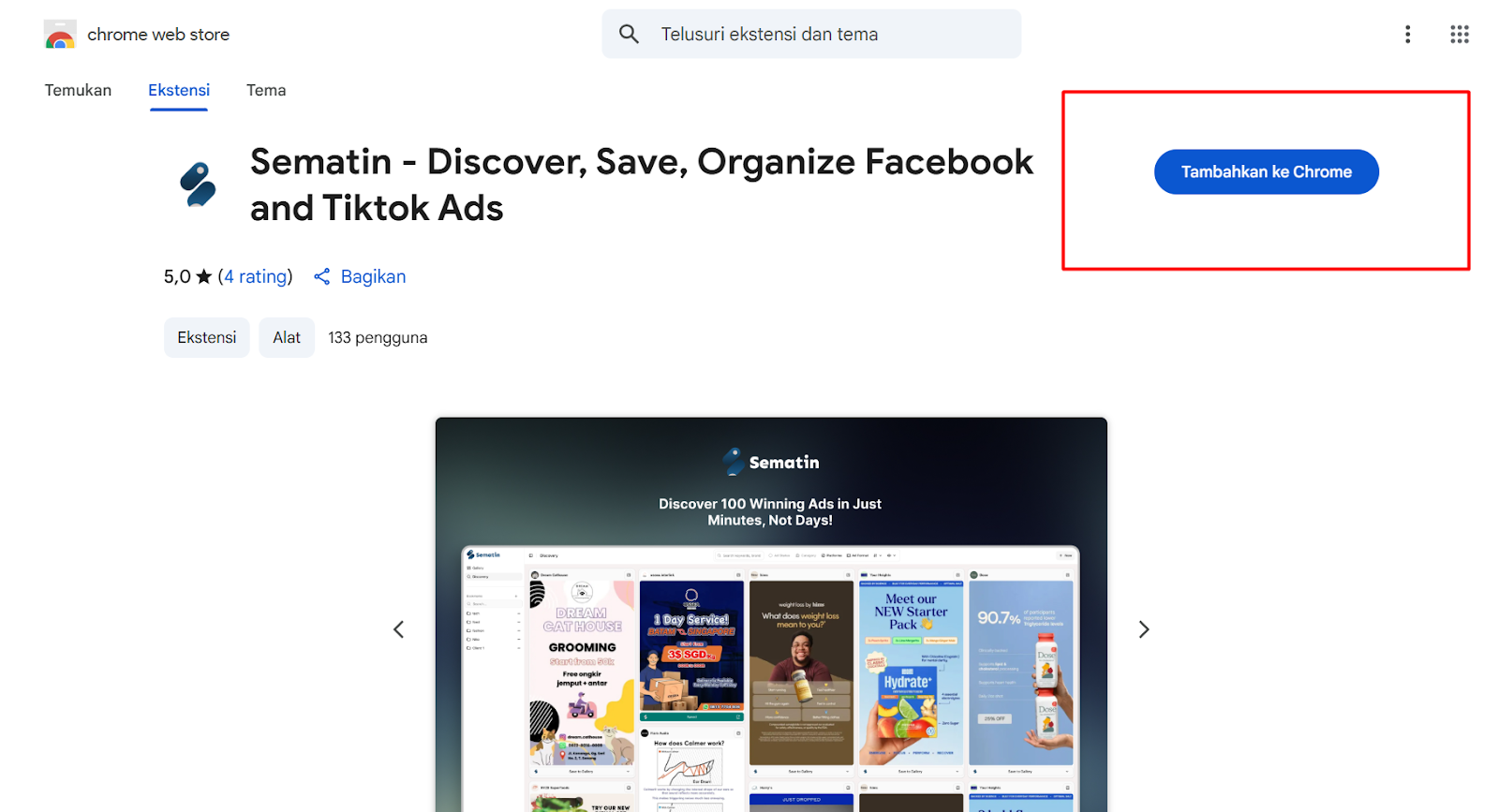
First, open the Chrome Web Store, then search for Sematin in the search bar or click this link.
Then click the “Add to Chrome” button.
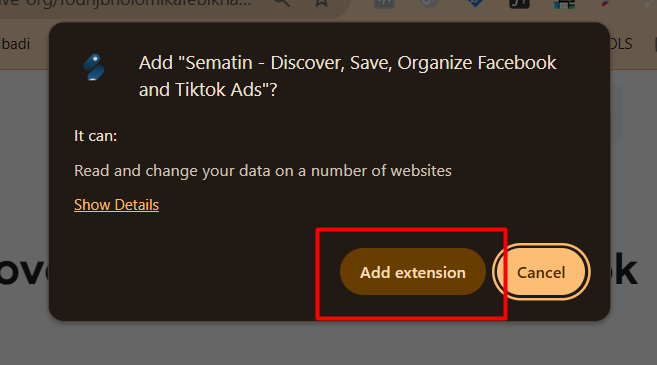
A pop-up will appear as shown below, then click “Add extension”.
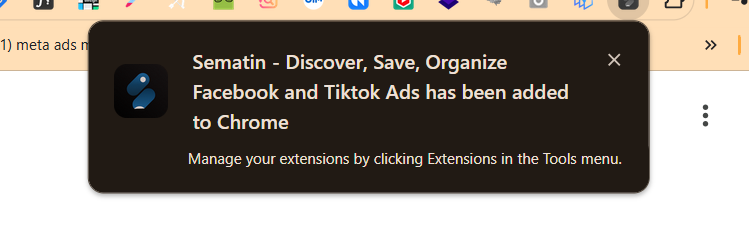
The Sematin extension will automatically be installed on your Chrome browser and ready to use.
A notification will appear in the upper right corner as shown below, indicating that the Sematin extension has been automatically installed in your Chrome browser and is ready to use.
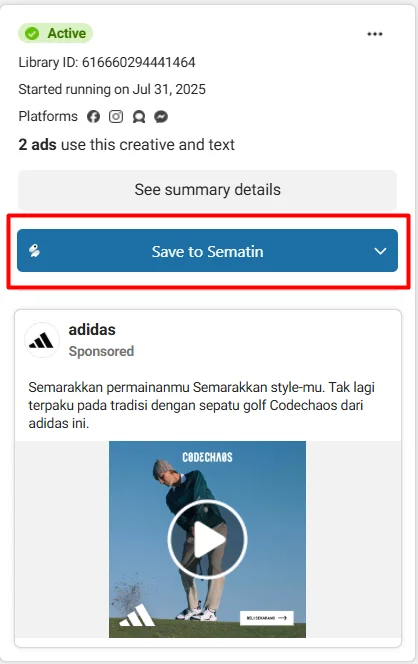
To find out, you can open the Facebook ads library and try searching for the ad you want.
If you see the Sematin button as shown in the image below, Sematin is ready to use.