2. Save Ads from Meta Ads Library
To save ads from Meta Ads Library to Sematin, follow these steps:
First, make sure you are logged in to Sematin at sematin.com, then open Meta ads library or click this link https://www.facebook.com/ads/library
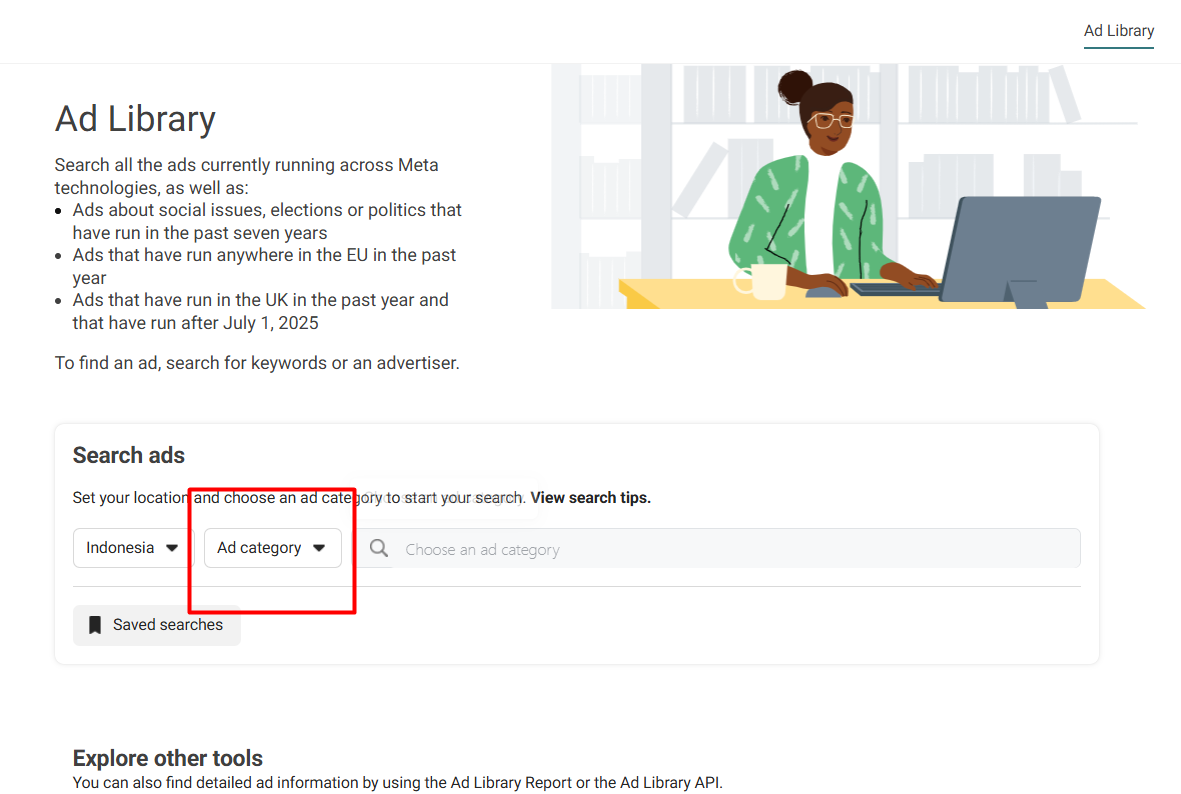
For location, you can set which country's ads you want to see, for example, select Indonesia.
After that, search for the brand or keyword you want to find, for example, we select adidas and it will appear as shown below:
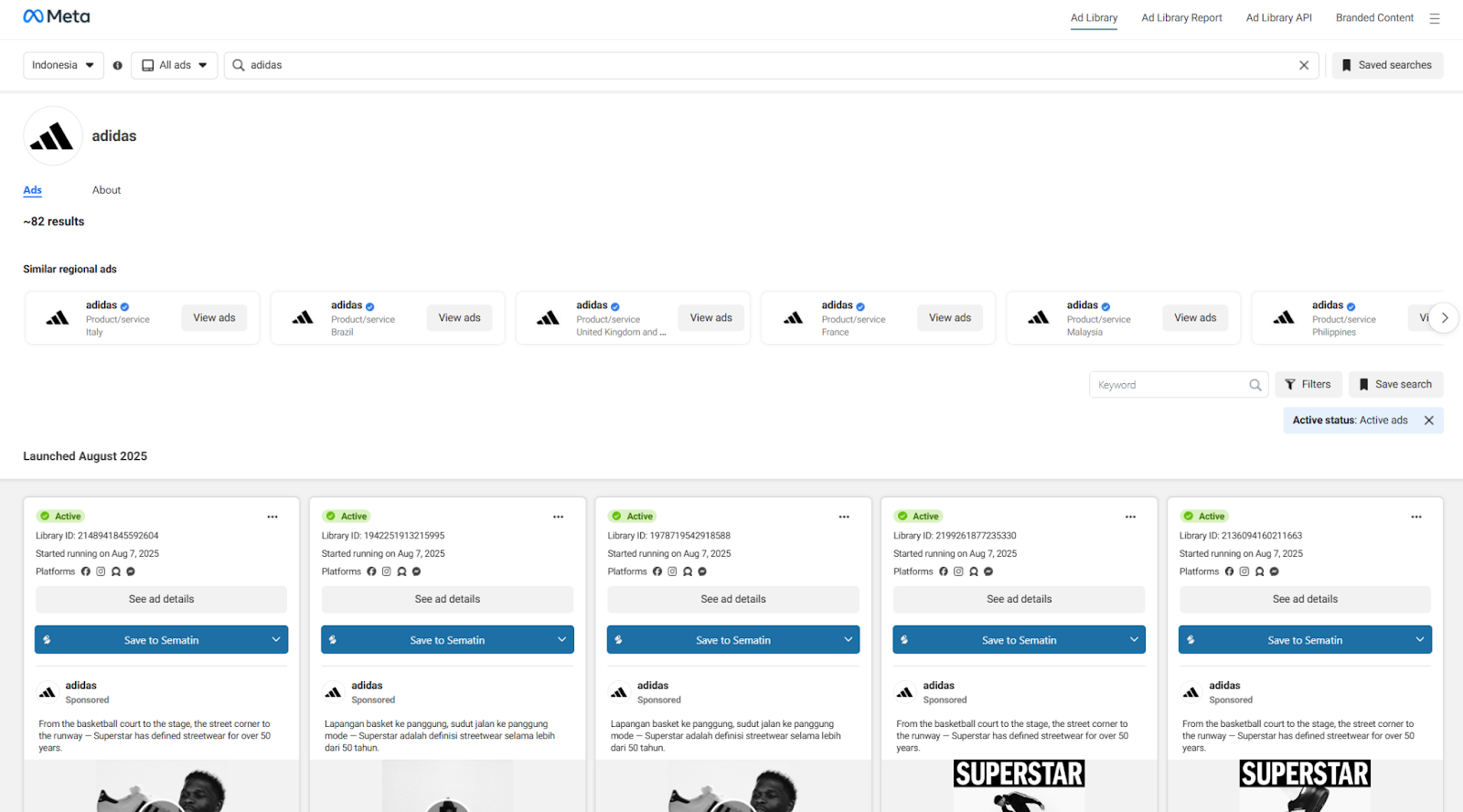
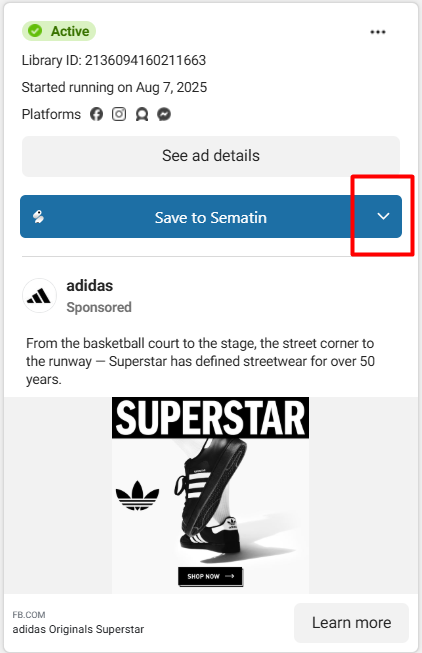
When you scroll down, you will find the Sematin extension on every ad in the Facebook ads library, as shown in the image below:
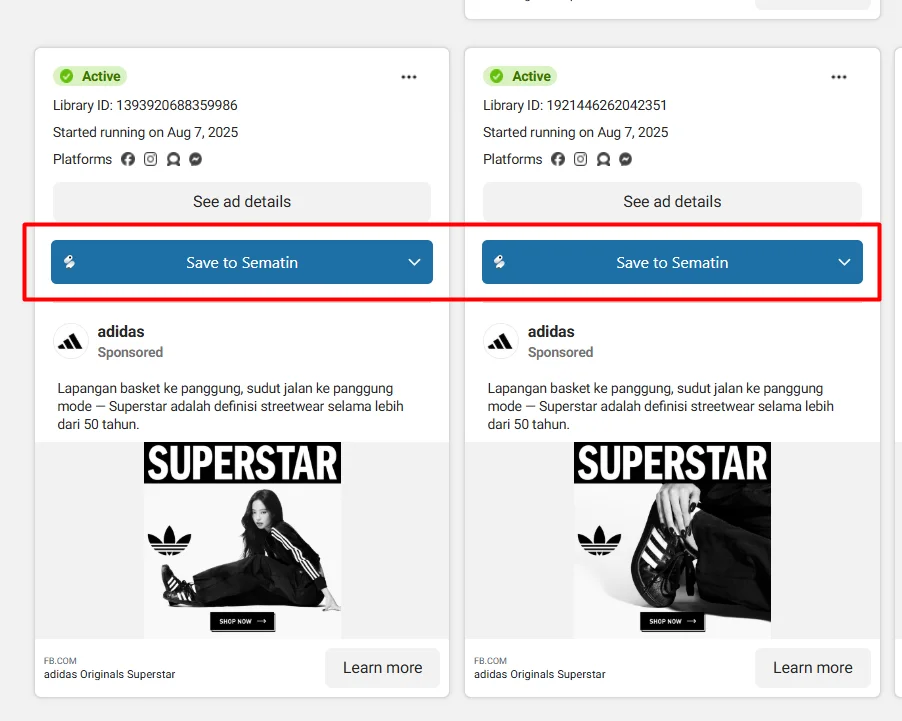
To save an ad to the Sematin Ad Vault, you can click the blue “Save to Sematin” button as shown in the image below.
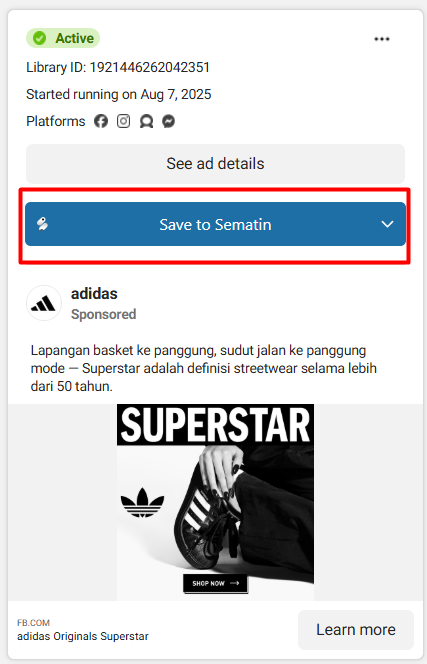
After successfully saving, the button will turn green as shown below:
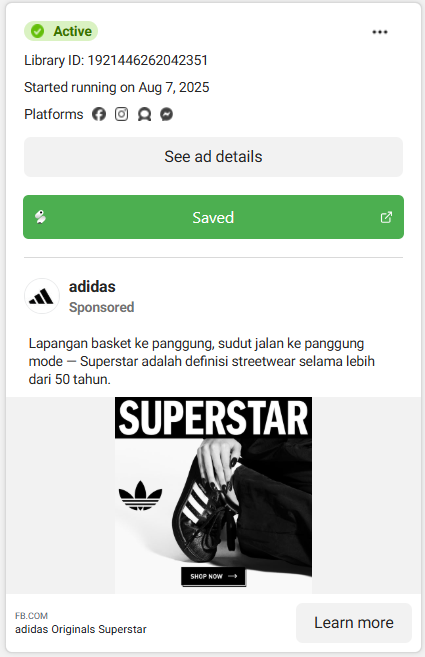
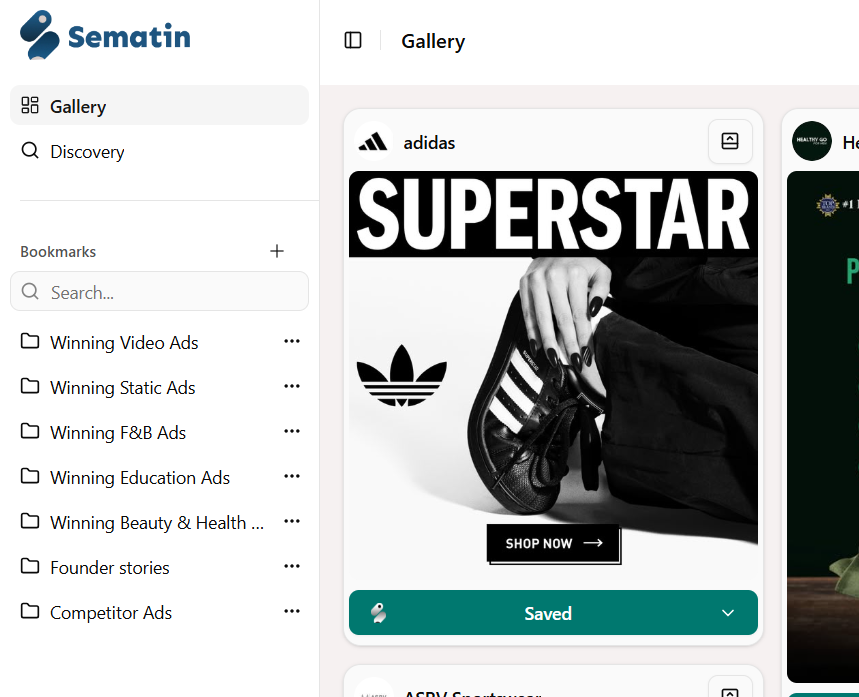
And the ad will automatically be added to your Sematin Gallery.
To save the ad directly to a folder in the Facebook Ads Library, you can click the down arrow on the ad button you want to save, as shown in the image below:
After that, you can choose which folder to save the ad in.
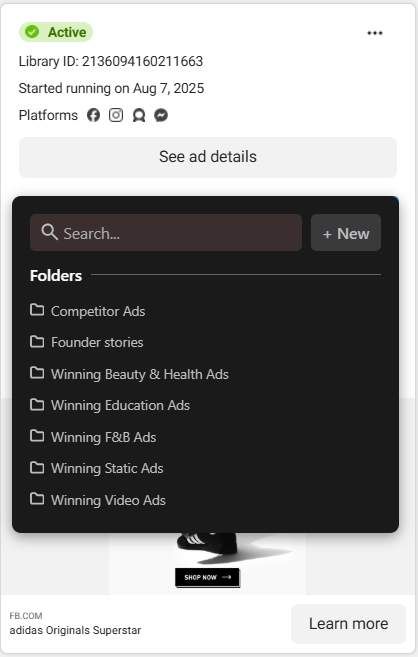
The ad will then be automatically saved in your Sematin folder.