3. Save Ads from TikTok Ads Library
(TikTok Ads Library only shows EU Ads)
To save ads from TikTok, you can open the TikTok Ads Library on Google first or click this link https://library.tiktok.com/ads/ and it will appear as shown in the image below
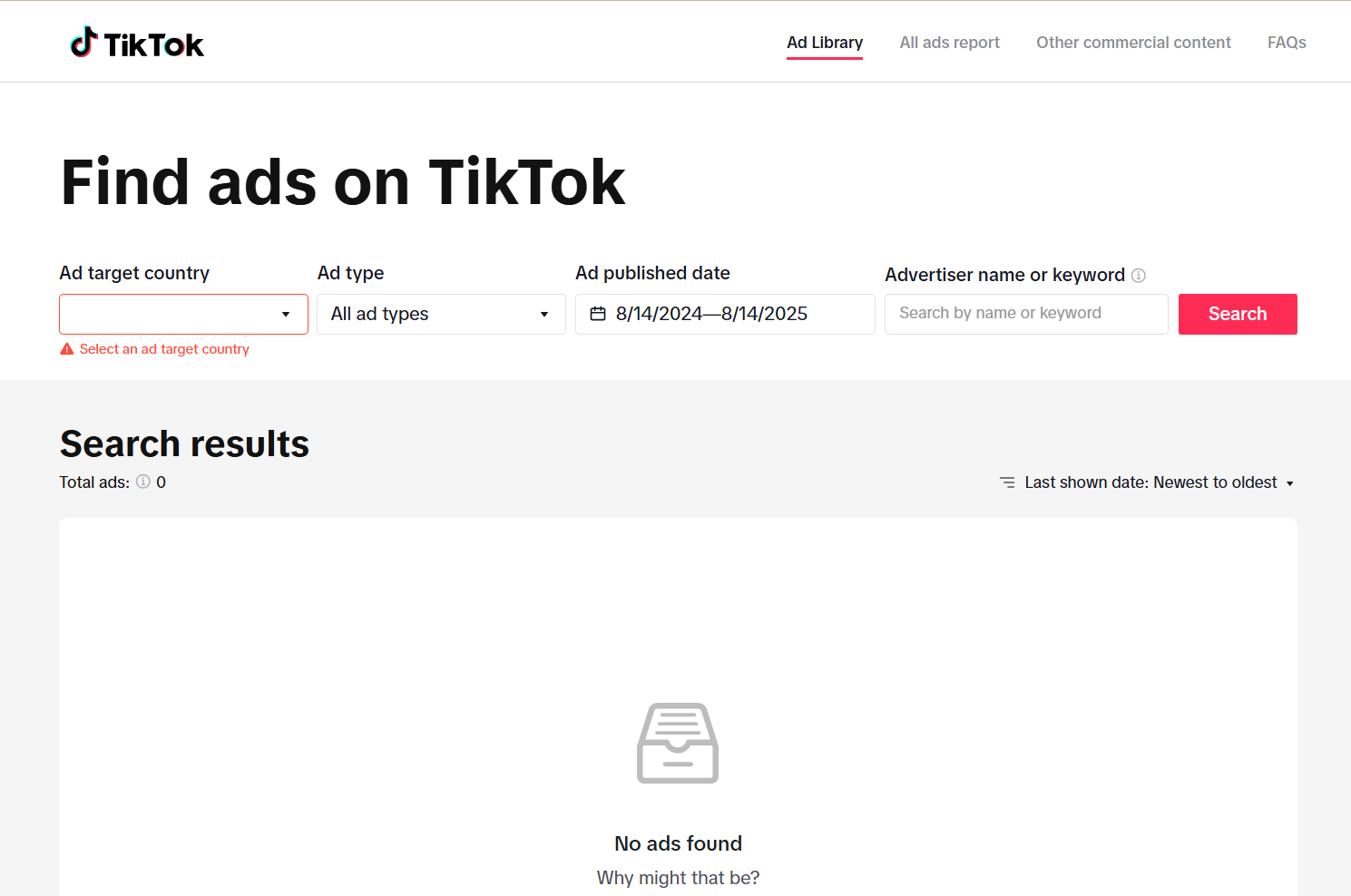
After that, you can use the available filters.
Example:
Select All countries and choose the keyword hijab, as shown in the image below.
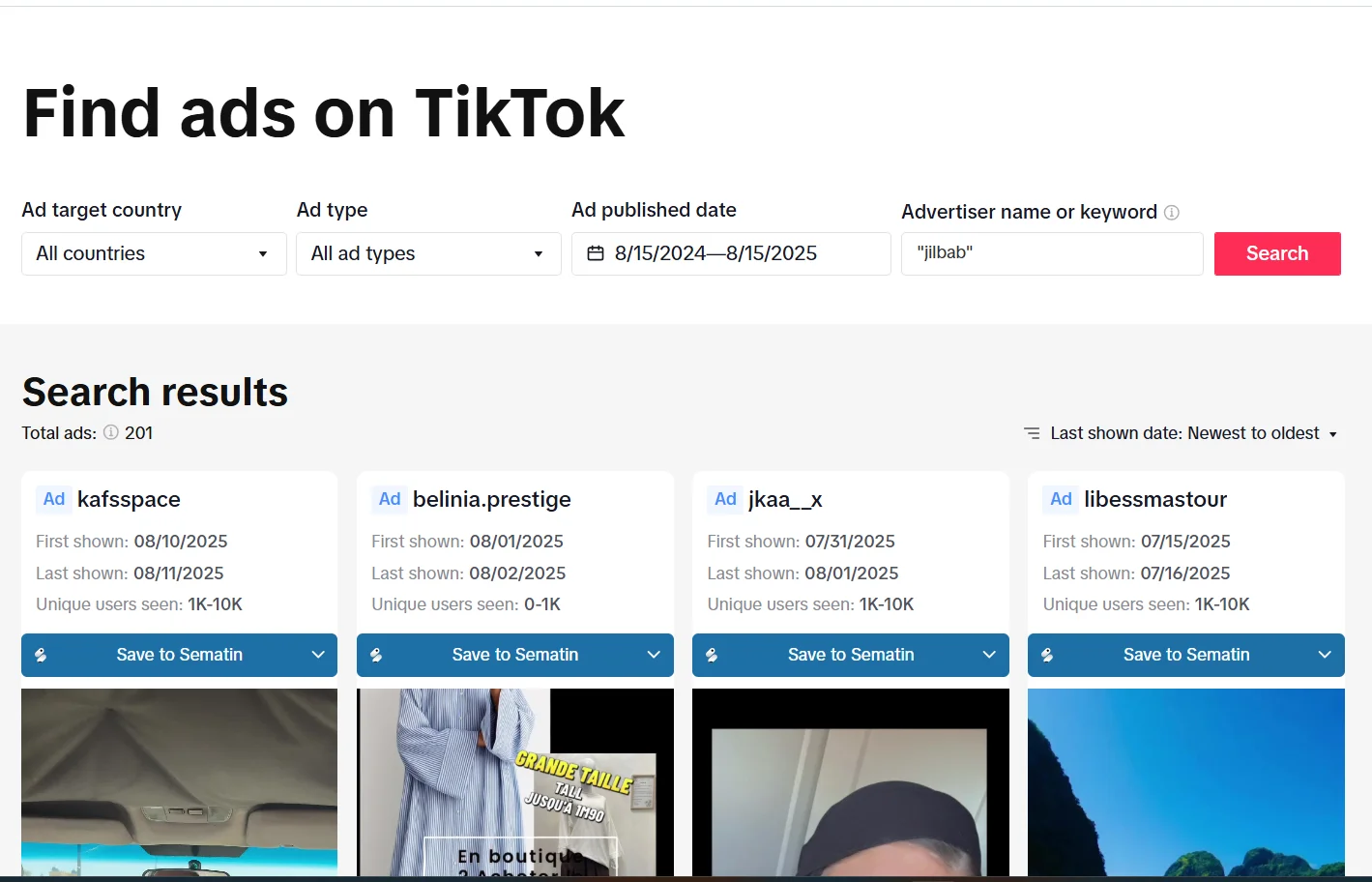
Select the ad you want to save, and at the top of the ad content, the Sematin extension will appear as shown below.
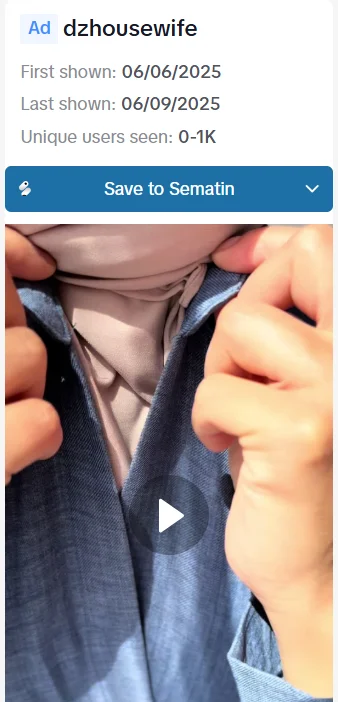
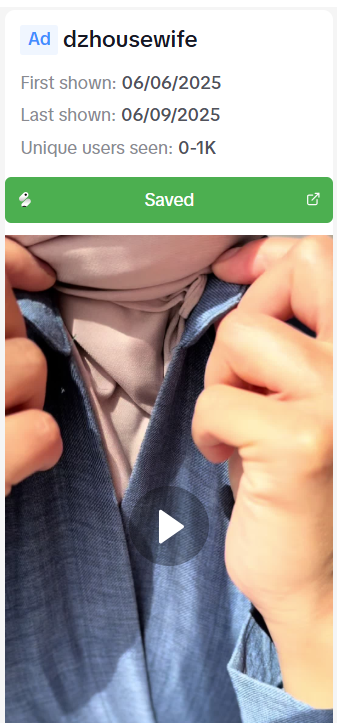
Click the “Save to Sematin” button and the button will turn green, indicating that the ad has been successfully saved to the Sematin Gallery.