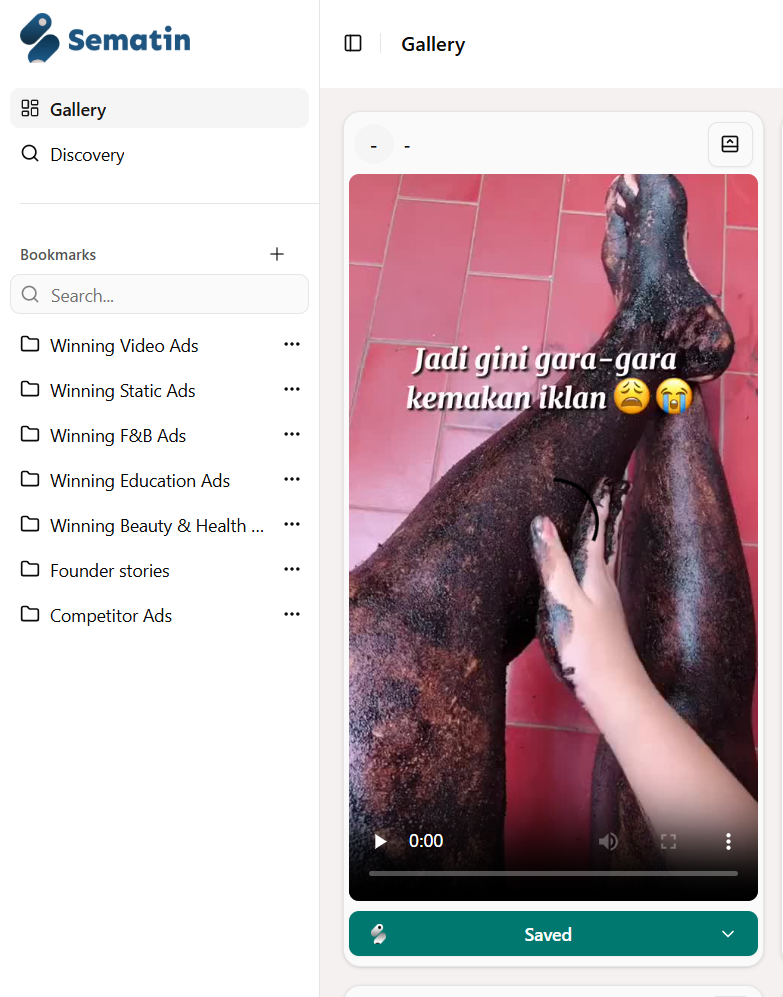
4. Save Ads from TikTok Top Ads
To save ads from Tiktok Top Ads, first you can search Google for “Tiktok Top Ads” or click this link.
Then select the ad you want. You can try filtering it like this:
For example, you can select Region = Indonesia, Industry = Beauty & Personal Care, Objective = Conversions, and ads from the industry you want will automatically appear.

Select the ad you want, then click the “See analytics” button as shown below
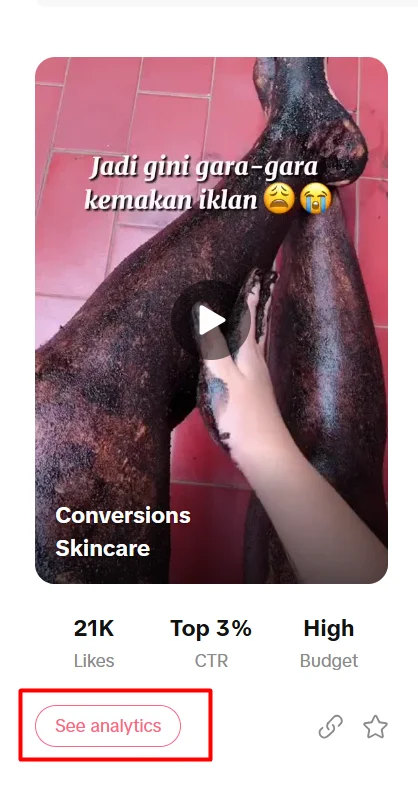
A screen like the one below will appear
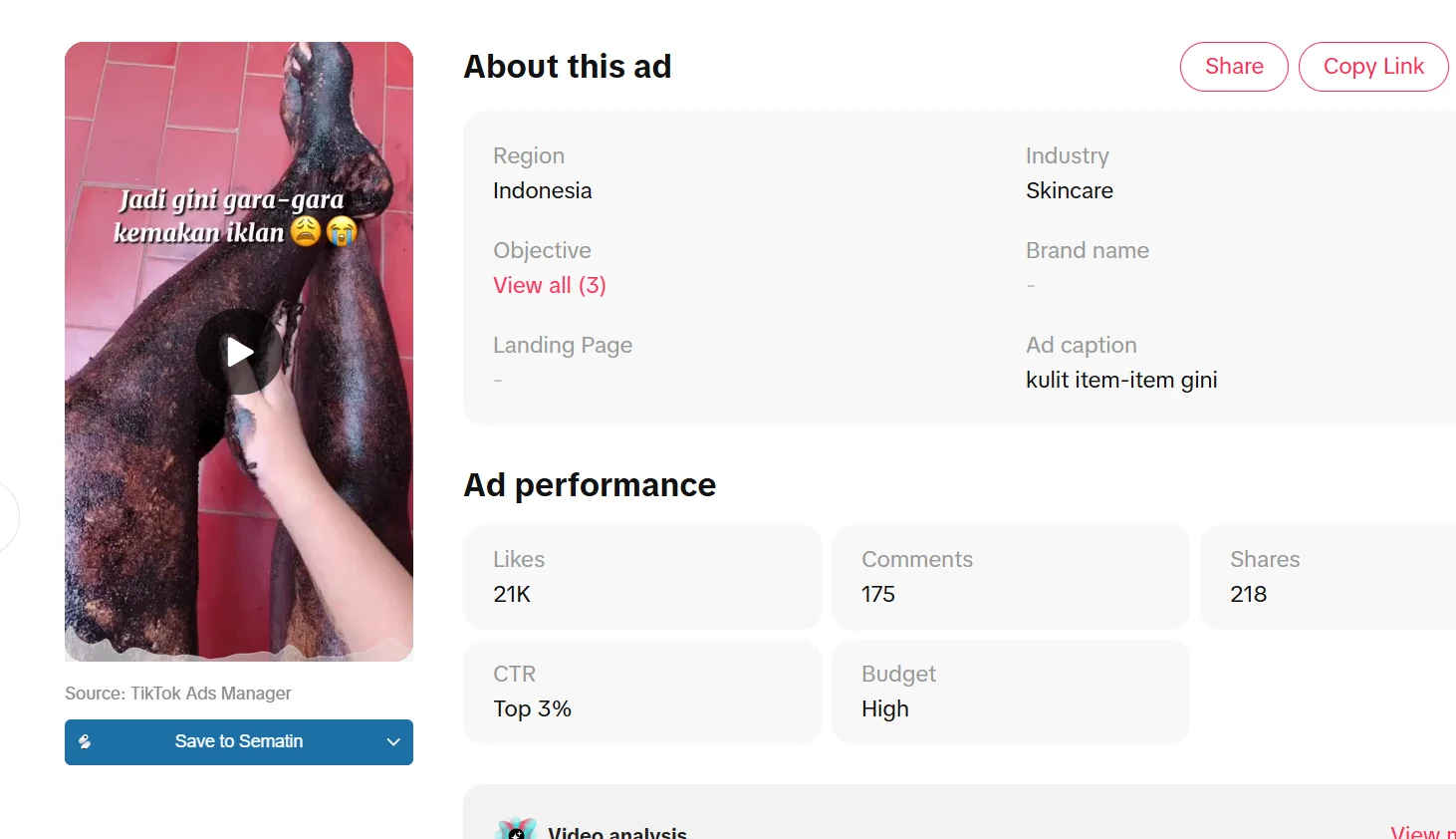
To save the ad, at the bottom of the ad content, click the “Save to Sematin” button and the button will turn green as shown below:
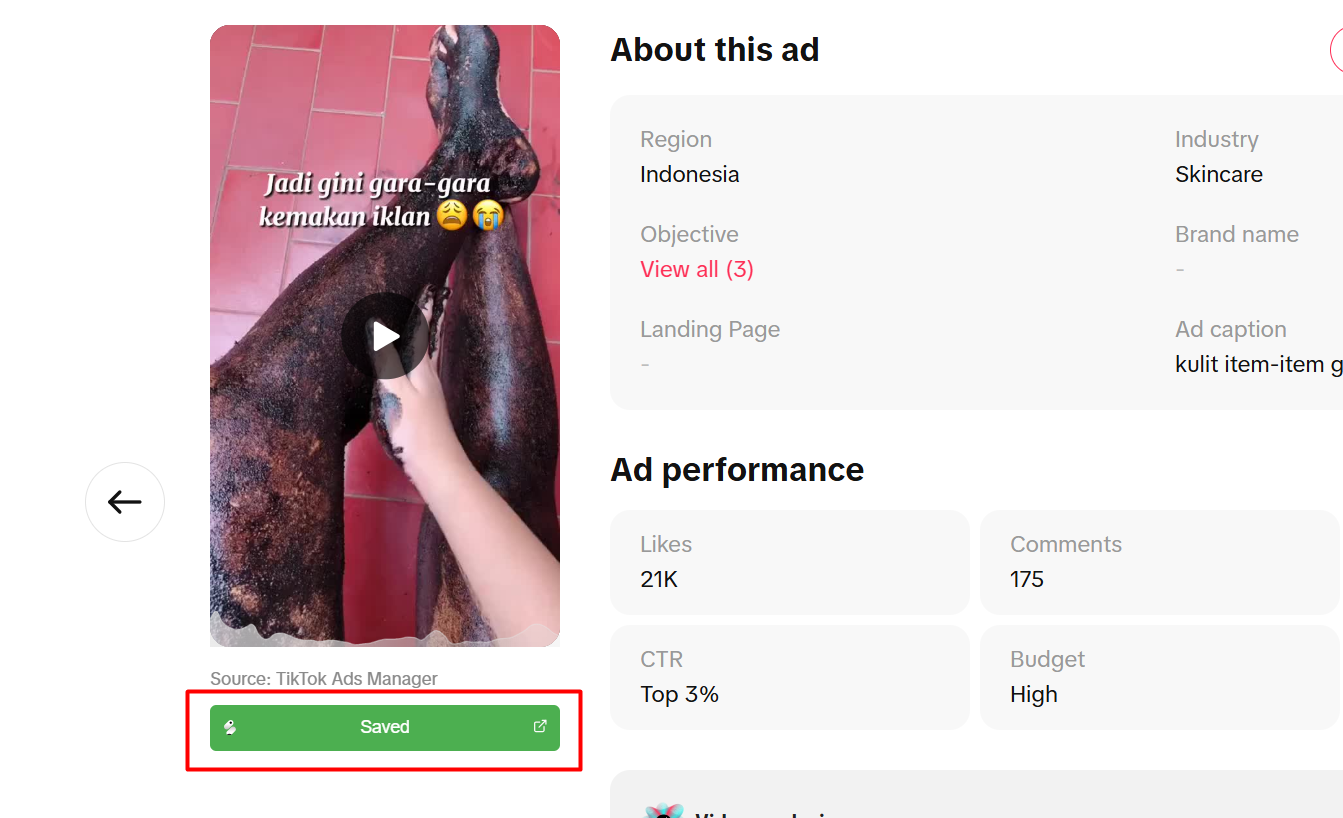
When you open Sematin, the ad will immediately appear in your gallery as shown below